
C# data access generated from your SQL Server schema.
Point The Sharp Factory at a database. It writes typed entities, repositories and queries into your solution, and shows you the diff before anything is written.
$ sharpfactory sync model.edmj MyApp.slnx --preview
Download for Windows, macOS or Linux → Free and self-contained: no .NET install, no account.
- Open source
- No account
- No telemetry
- Windows, macOS, Linux
- Self-contained, no .NET install
How it works
From a database to code in your solution
Three steps, all in one app, or in a build pipeline with the command line.
Read your schema
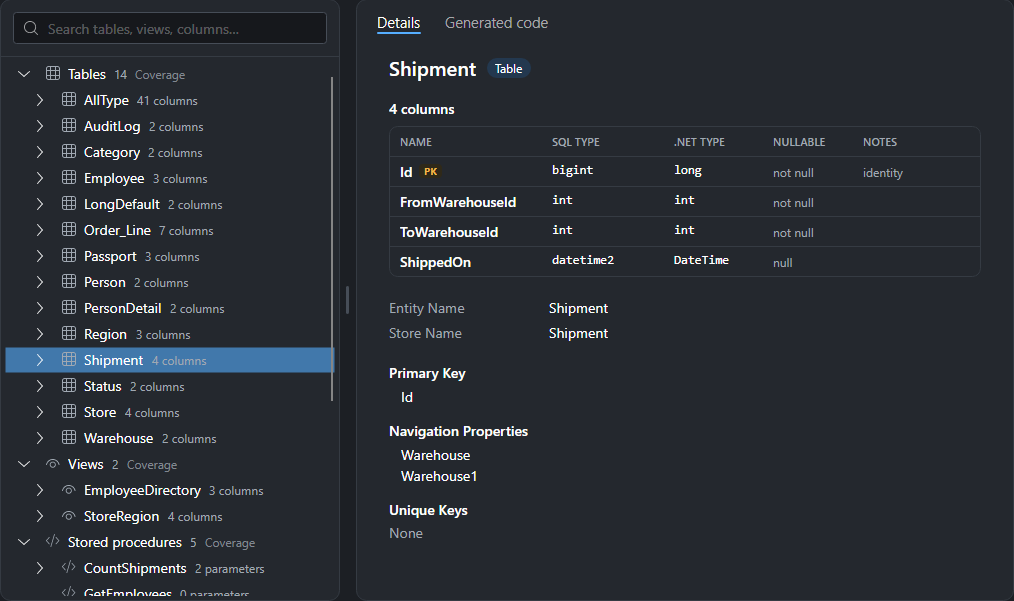
Connect to SQL Server and choose the tables, views, procedures, functions and sequences you want.
Shape the code
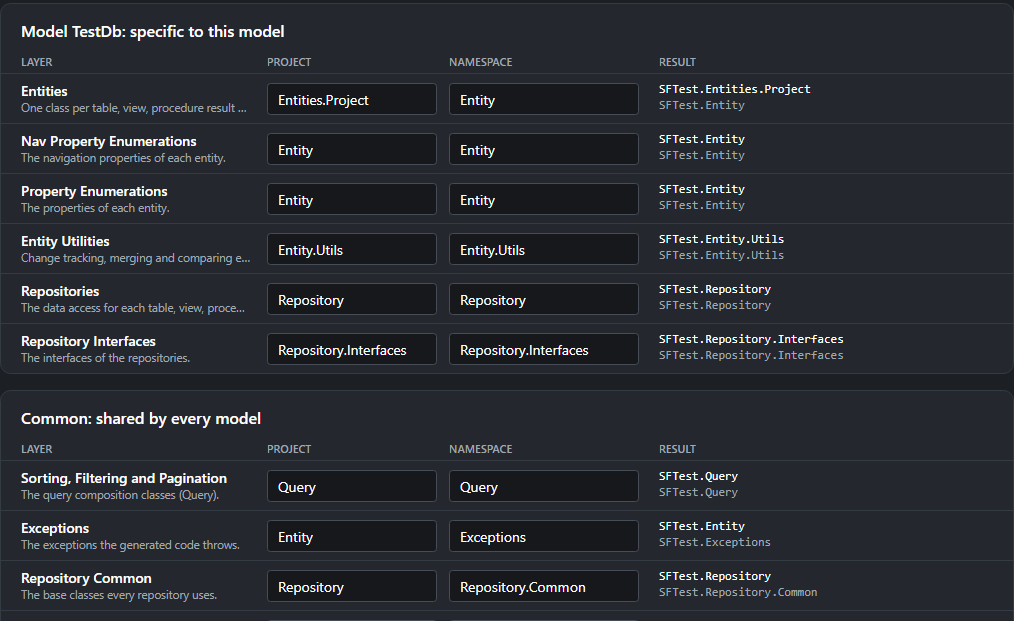
Name the projects and namespaces of each layer. The model file keeps every choice.
Preview, then Sync
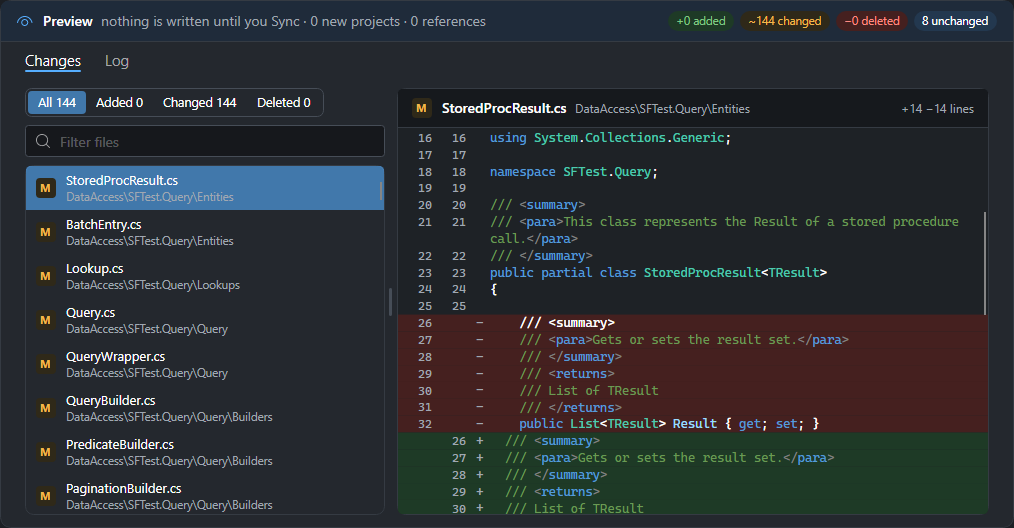
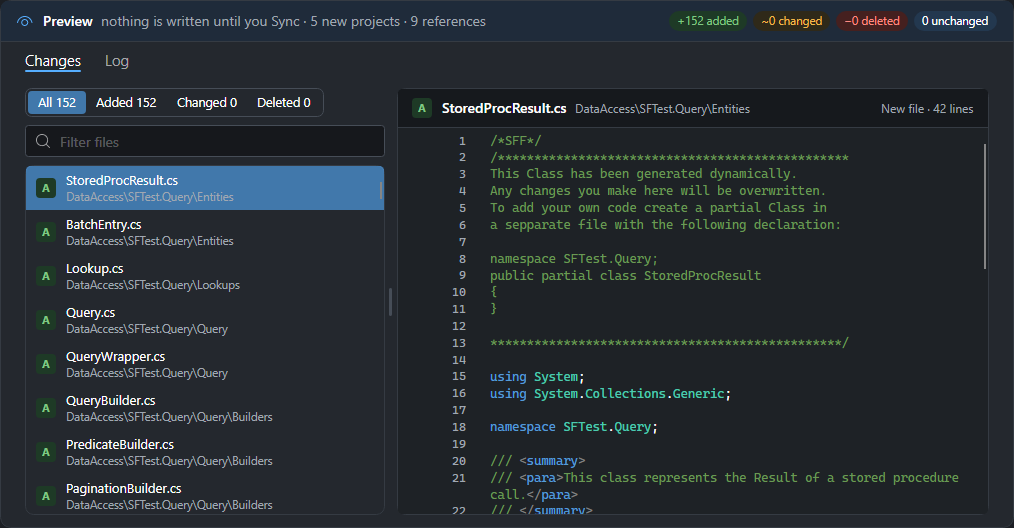
See every file that would change, then write them into your .sln or .slnx in one click.
Features
The data access layer you would write, written for you
Built for big schemas
Databases with hundreds or thousands of tables are the normal case: the model loads quickly, and Sync writes only the files that changed.
Typed repositories
An entity and a repository for every table and view, with create, retrieve, update and delete.
Queries in C#
Filter, sort, page and load related entities with a fluent or builder syntax. No SQL strings.
No black box
The generated code sits in your solution. Read it, debug it, step into it.
Procedures and functions
Call stored procedures, table and scalar functions and sequences with typed parameters and results.
Query logging
See the SQL every query sends to the database while your application runs.
Multiple models
Several databases in one model file, each in its own namespace, without name clashes.
Any OS, any IDE
Visual Studio, Rider, VS Code or none: Sync writes the projects and the solution file itself.
Write queries, not SQL
Strongly typed from the database to your code
Every column is a typed property, so the compiler checks your filters, sorts and values, and IntelliSense knows your schema.
Read about filtering →// customers with a balance, by last namevar query = new Query<CustomerProperty>() .BeginPredicate() .Where(CustomerProperty.Balance).GreaterThan(0) .EndPredicate() .BeginSorting() .OrderBy(CustomerProperty.LastName) .EndSorting();var customers = repo.AppDb.Sales.Customer.ToList(query);